Who can add and edit the book
The group lead chooses who can add and edit expenses, who can add people, and whether photos can be attached.
The group lead decides who can write in the book. By default every member can.
Changing it
- Open the group and tap the ⋯ button next to its name.
- Choose Group settings.
- Under Who can add and edit the book?, pick a level.
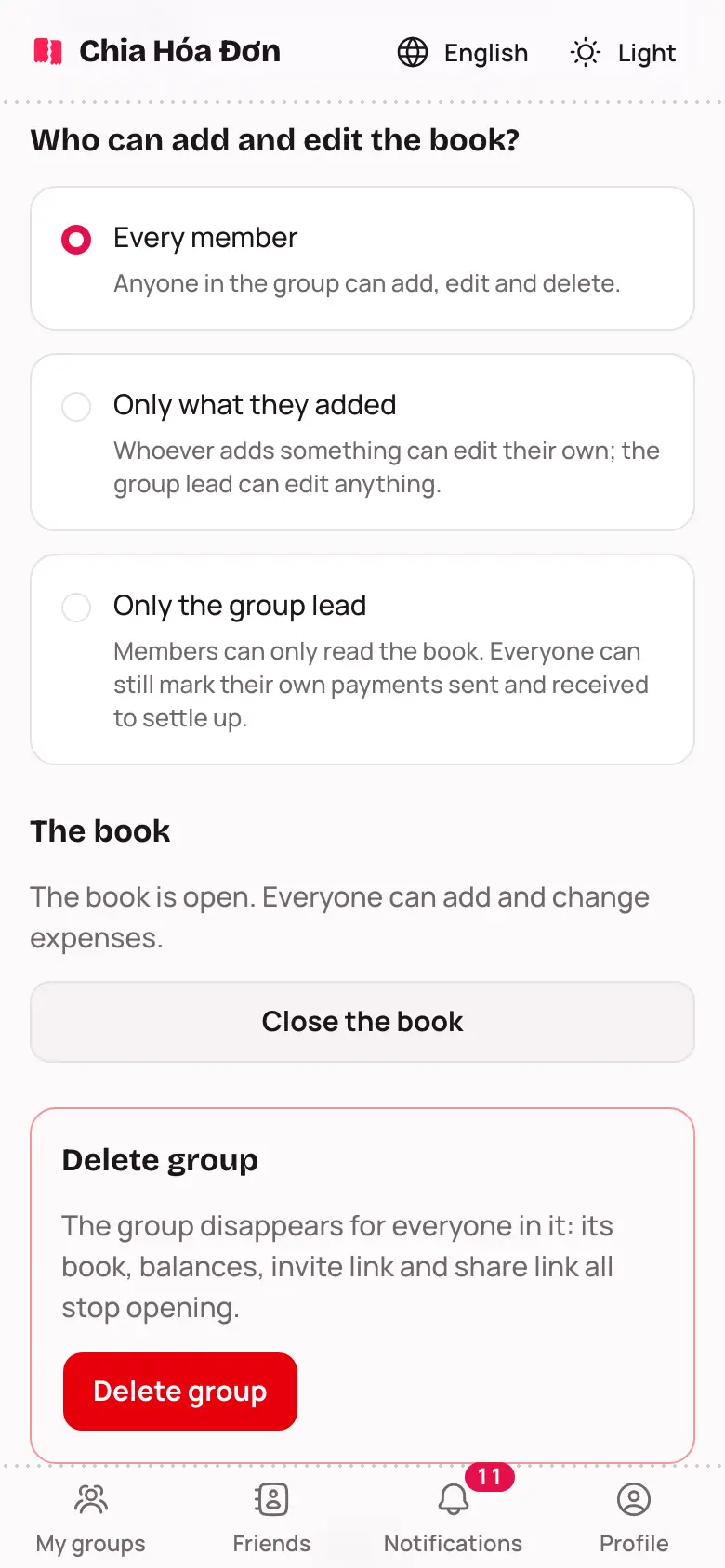
Only the group lead can open Group settings.
Three levels
- Every member: anyone in the group can add, edit and delete.
- Only what they added: whoever adds something can edit their own; the group lead can edit anything.
- Only the group lead: members can only read the book. Everyone can still mark their own payments sent and received to settle up.
Other settings
- Members can add people: on, and anyone can add guests and invite friends. Off, and only the lead can.
- Approve people claiming a guest seat: on, and the lead approves before someone takes a guest seat through a link.
- Allow receipt and transfer photos: off, and nobody can add new photos; existing ones can still be seen.
Once the book is closed, nobody can add or edit expenses, whatever these are set to. See Closing the book and exporting.