Seeing a group's activity
Find out who added, changed or deleted which expense or transfer, newest first.
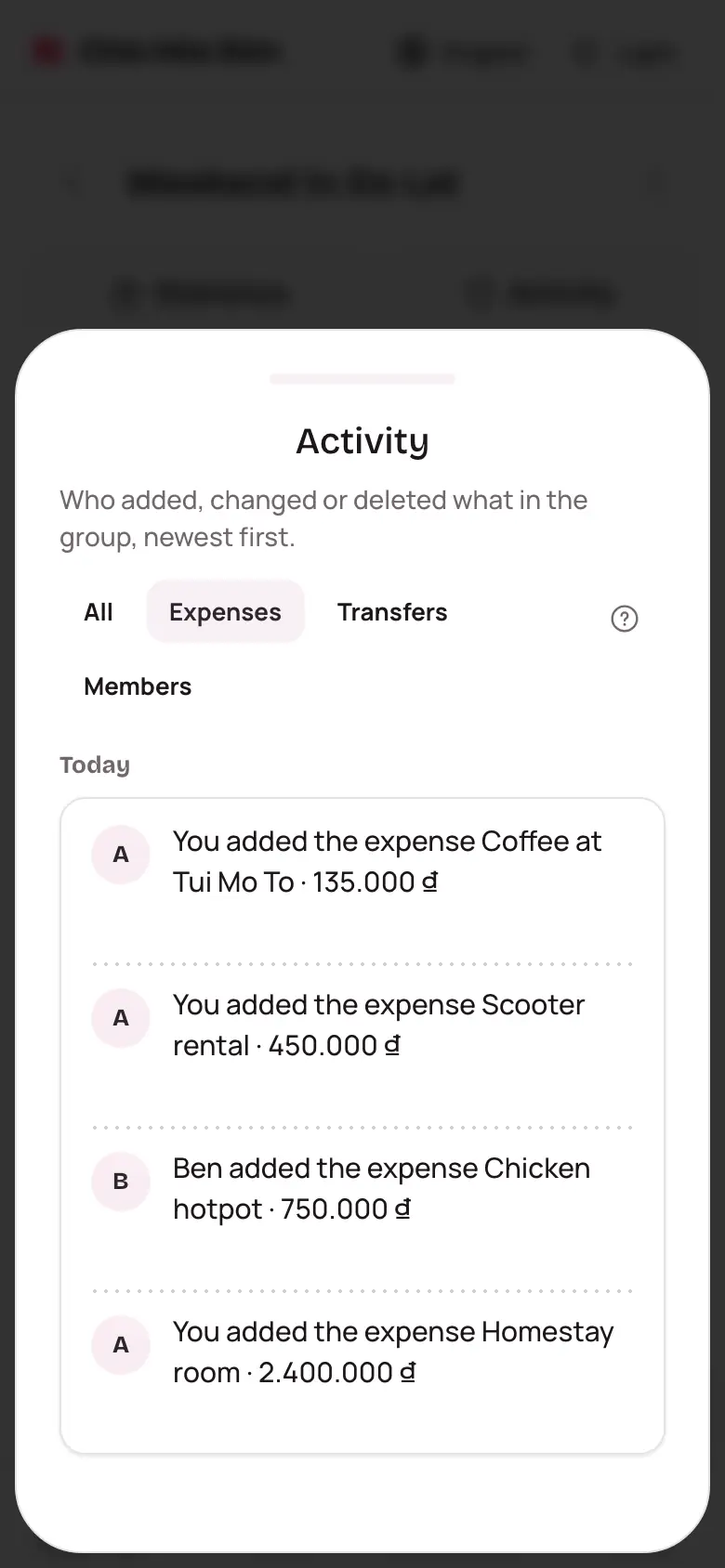
The Activity page records every change in the group. Balances look different from yesterday and you're not sure why? Start here.
Open Activity
- Open the group.
- Tap the Activity button under the group's name.
- Scroll down for earlier days.
A small dot on the button means someone changed something you haven't seen yet.
Reading a line
Each line says who did what, such as "Ben added the expense Dinner · 450,000 ₫". When something is edited, the line shows the old and new values, like "Amount 400,000 ₫ → 450,000 ₫".
Tap a line to open that expense or transfer. Deleted expenses can still be opened, marked Deleted.
Filter it down
Tap Expenses, Transfers or Members at the top to see just one kind. Tap All to see everything again.