Friends and friend requests
Add people you have shared a group with, accept or decline requests, hide people or unfriend them.
The Friends tab in the bottom bar lists only people you have shared a group with. You cannot look up anybody else in the app, and nobody can look you up.
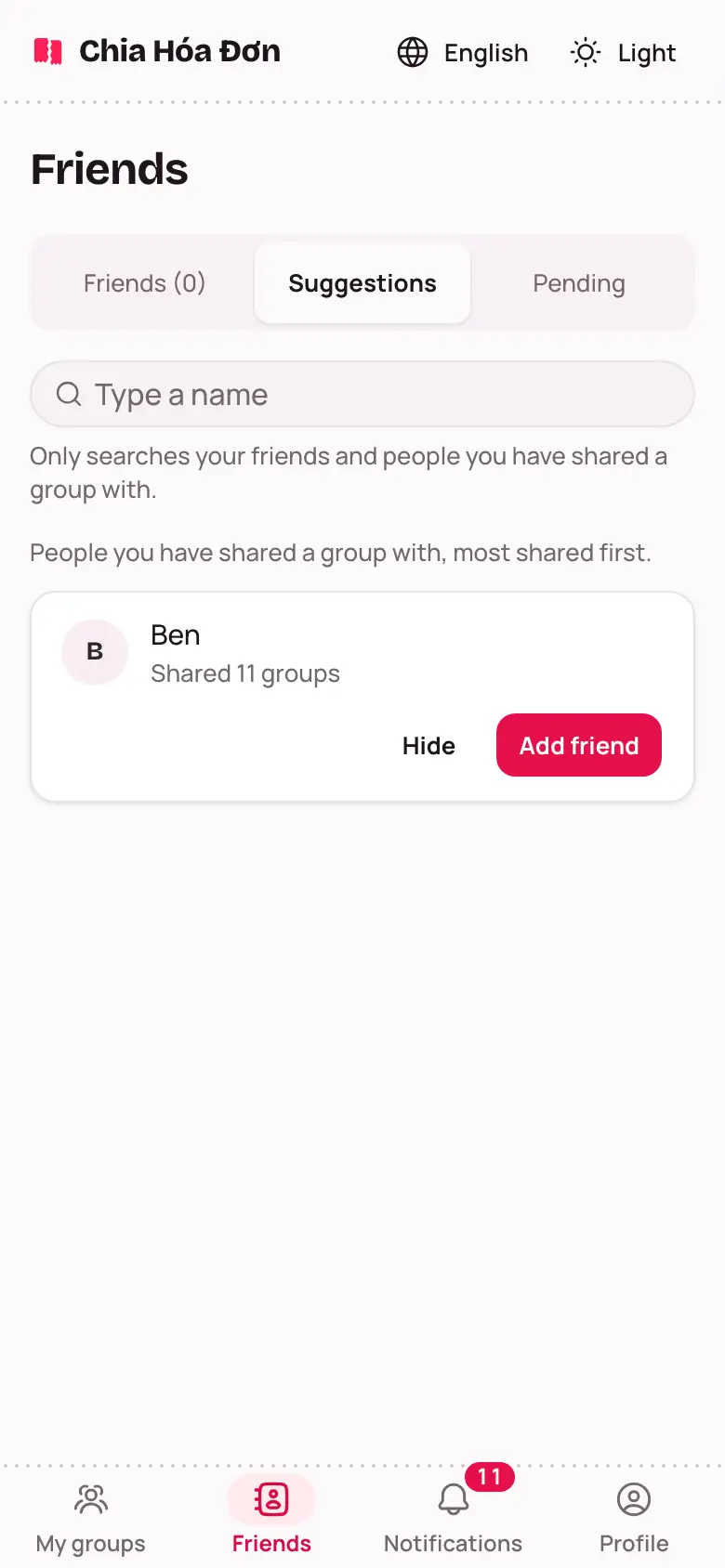
Three tabs
- Friends: both of you agreed.
- Suggestions: people you have shared a group with, most shared first.
- Pending: Sent to you are people asking you, You sent are requests they have not answered.
Adding a friend
- On Suggestions, tap Add friend next to their name. The People tab of a group has this button too.
- They get a notification. When they tap Accept, you are friends.
Not accepted yet? The line says Waiting for them to accept. To take it back, tap Cancel request.
Got a request? Tap Accept or Decline. Declining is quiet: the other person is not told.
Hiding and unfriending
- Hide someone you do not want to see under Suggestions. They go under Hidden; tap Show again to bring them back. If someone has hidden you, you cannot add them straight into a group.
- Unfriend: you are no longer friends. Shared groups and amounts do not change.