Getting started with Chia Hóa Đơn
Sign in with a code sent to your email, add your name, and put the app on your phone's home screen.
There's no password. Each time you sign in, a 6-digit code arrives by email.
Sign in
- Go to chiahoadon.com and tap Sign in.
- Enter your email and tap Send code.
- Open the email and type the 6 digits into Verification code. The app checks it as soon as the last digit is in.
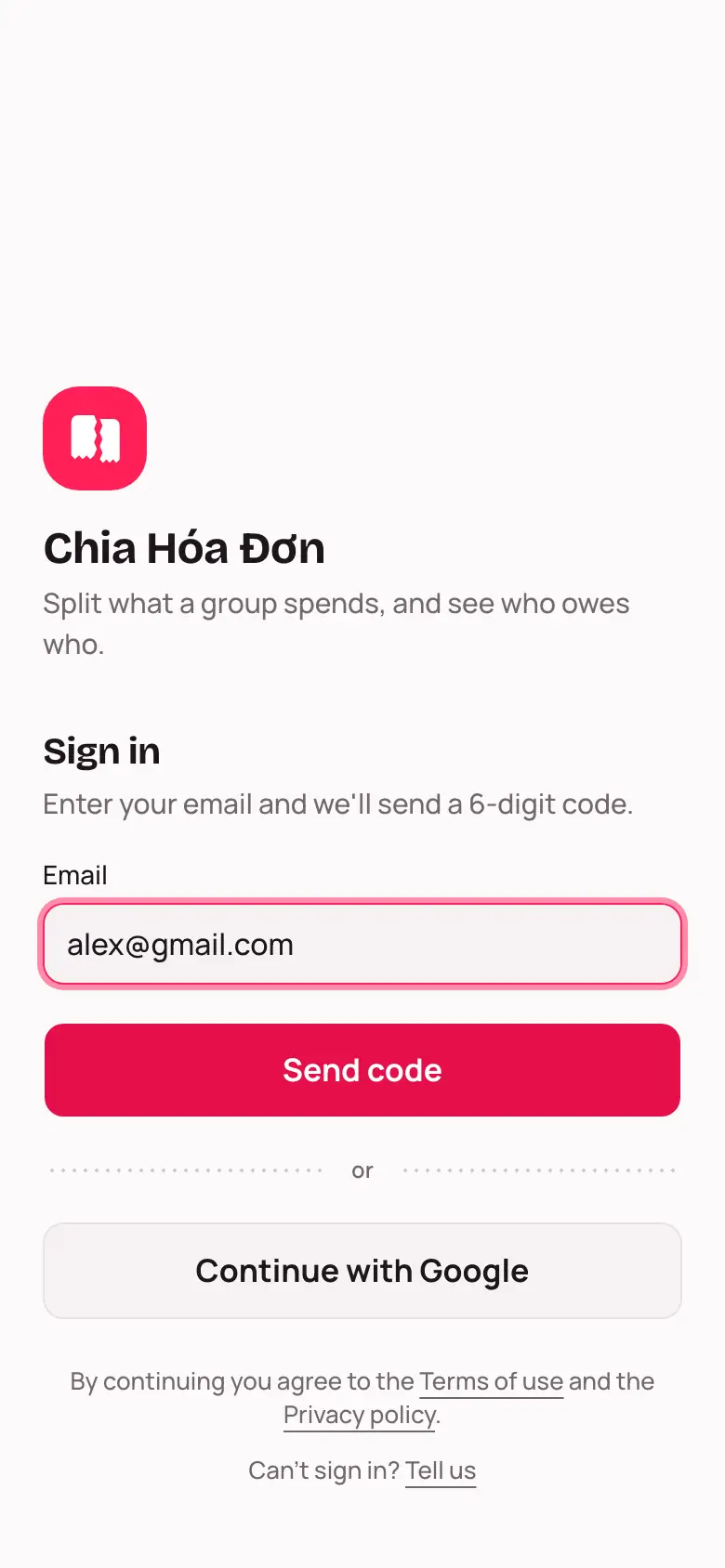
If you use Google, Continue with Google is quicker.
Add your name
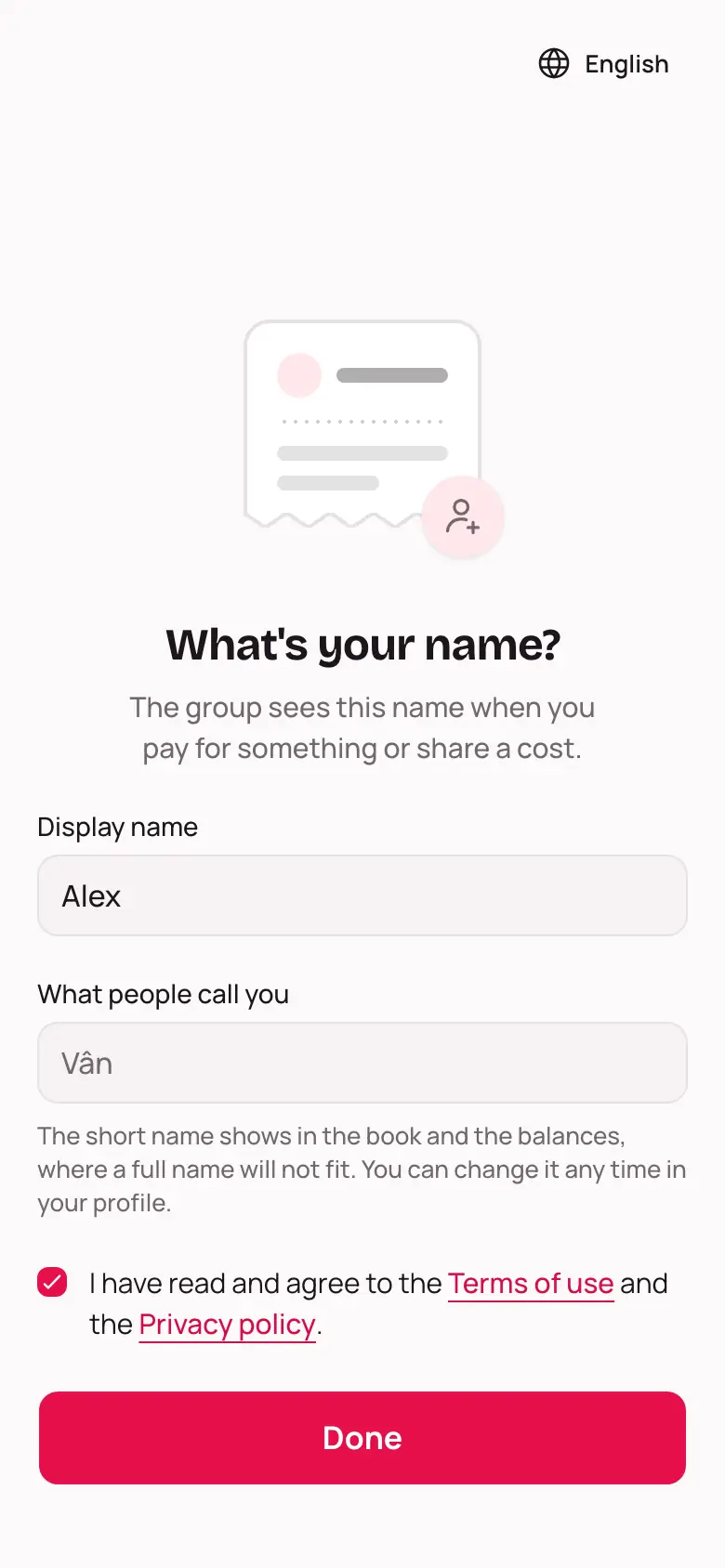
The first time you sign in, the app asks What's your name?
- Type your full name into Display name.
- Check What people call you. The app fills in a short name, and you can change it.
- Tick the box to agree to the Terms of use and the Privacy policy. Tap either name to read it.
- Tap Done.
You'll land on My groups, where all your groups show up.
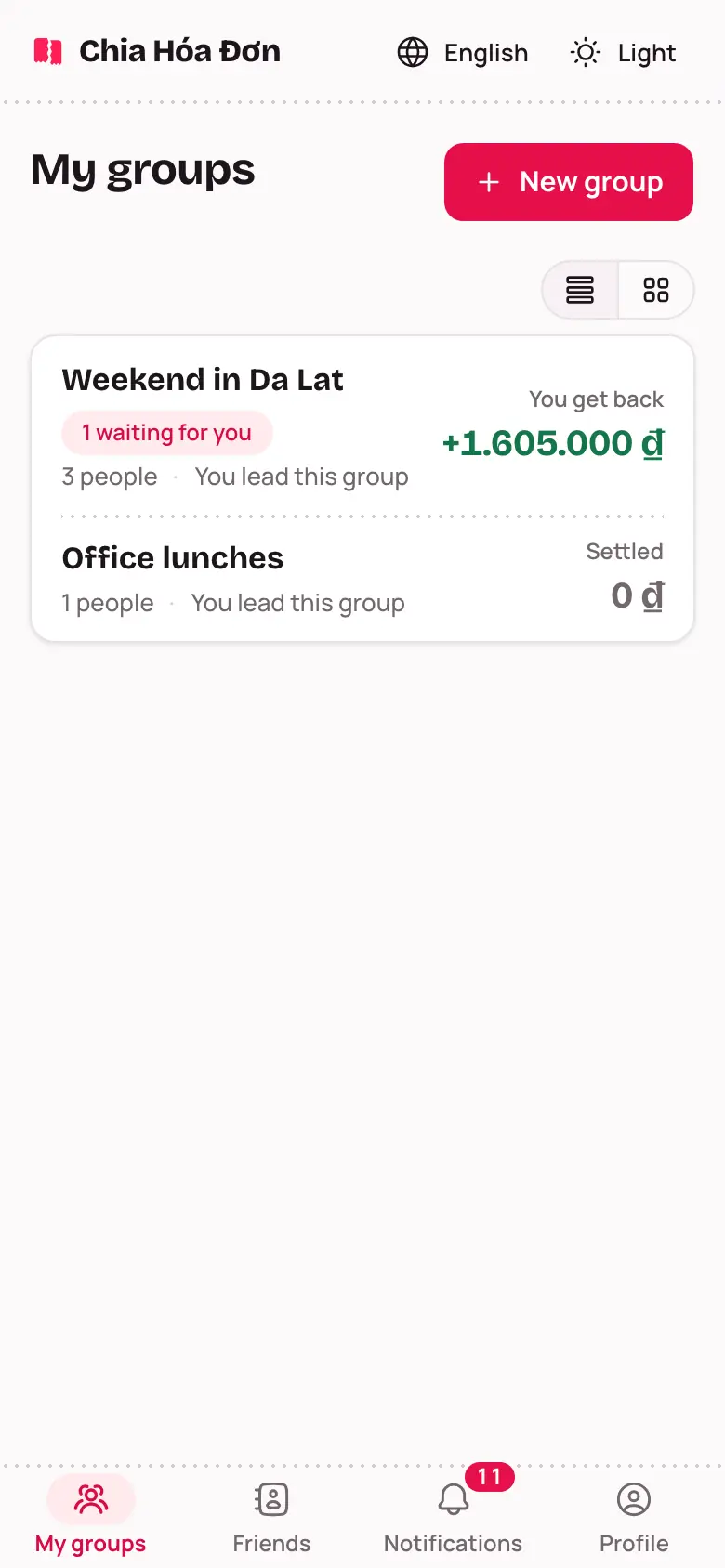
The button at the top of the list switches between List and Grid. The app remembers your choice on this device.
Install it on your phone
Once one of your groups has its first expense, My groups shows a card: Install Chia Hóa Đơn on your phone.
- Android: tap Install.
- iPhone: open the site in Safari, tap the Share button in the bottom bar, then choose Add to Home Screen.
After that it opens from your home screen like any other app. Not now? Tap Later.