Sharing a group fund
Send a public link so everyone can see the balance and who's paid, no account needed. Statement images and Excel export.
The public link
- Open the fund, tap the ⋯ button, and choose Share the public link — only the treasurer sees this menu item.
- Turn on Allow viewing via the public link.
- Tap Copy link and send it over Zalo or Messenger.
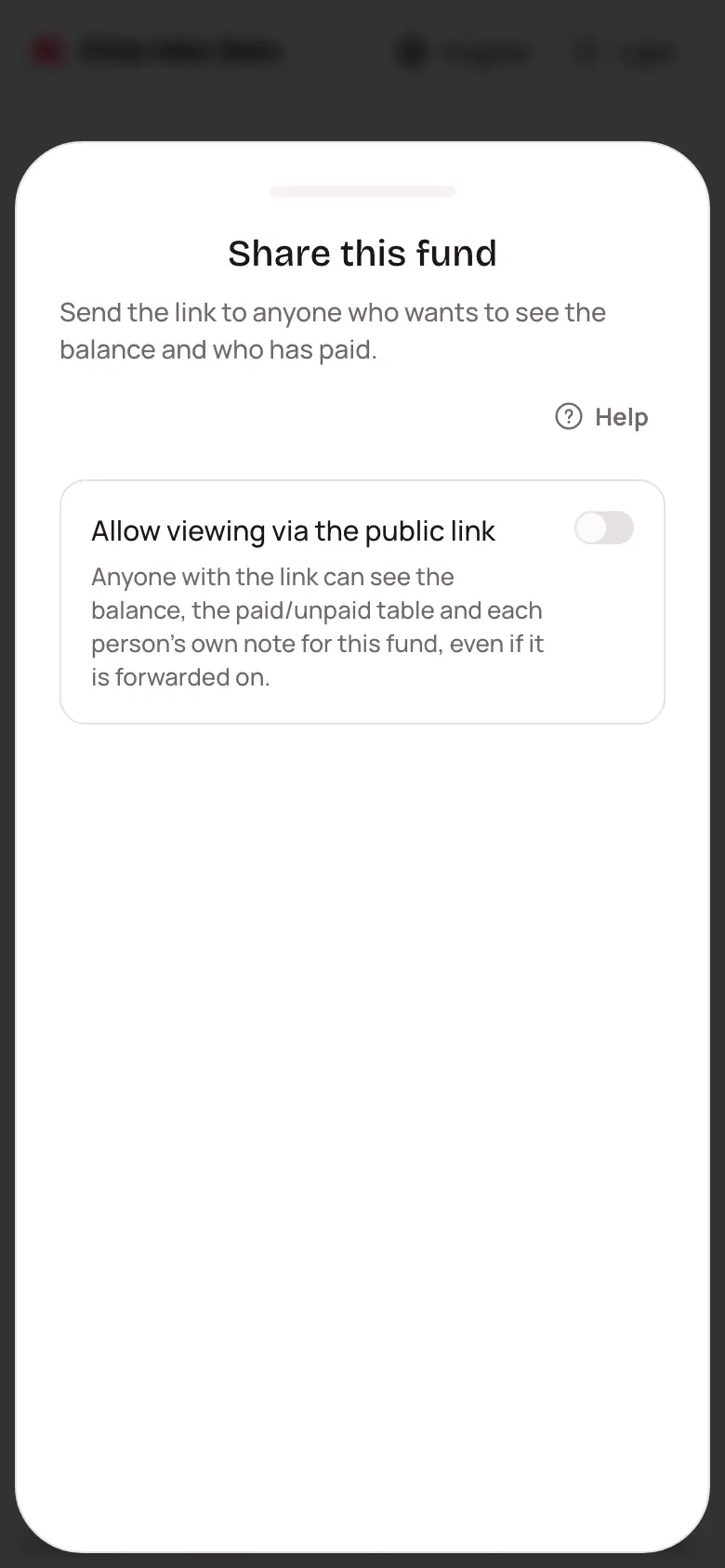
Anyone with the link can see the balance and each person's paid / unpaid status — no sign-in, nothing they can change. Turn the switch off and the current link stops working right away.
Statement and reminder images
From the ⋯ menu, tap Statement image for a picture of the balance and money in and out over time, ready to send straight to a Zalo group. Tap Unpaid reminder image for a picture listing who still owes how much in a round — send it into a group chat and everyone can see it without opening the app.
Exporting to Excel
Tap Download Excel in the ⋯ menu to download every entry to your device.